Kubernetes can give you a shell into a crashing container
 Last modified April 10, 2026
 When a container crashes, it can be for several reasons. Sometimes the log won’t tell you much about why the container crashed, and you can’t get a shell into that container because… it has already crashed. It turns out that kubectl debug can let you do exactly that.
I was trying to ship Helfertool on our Kubernetes cluster. The firs step was to get it to work locally in my Minikube. The container I was deploying kept crashing, with an error message that put me on the right track: Cannot write to log directory. Exiting.
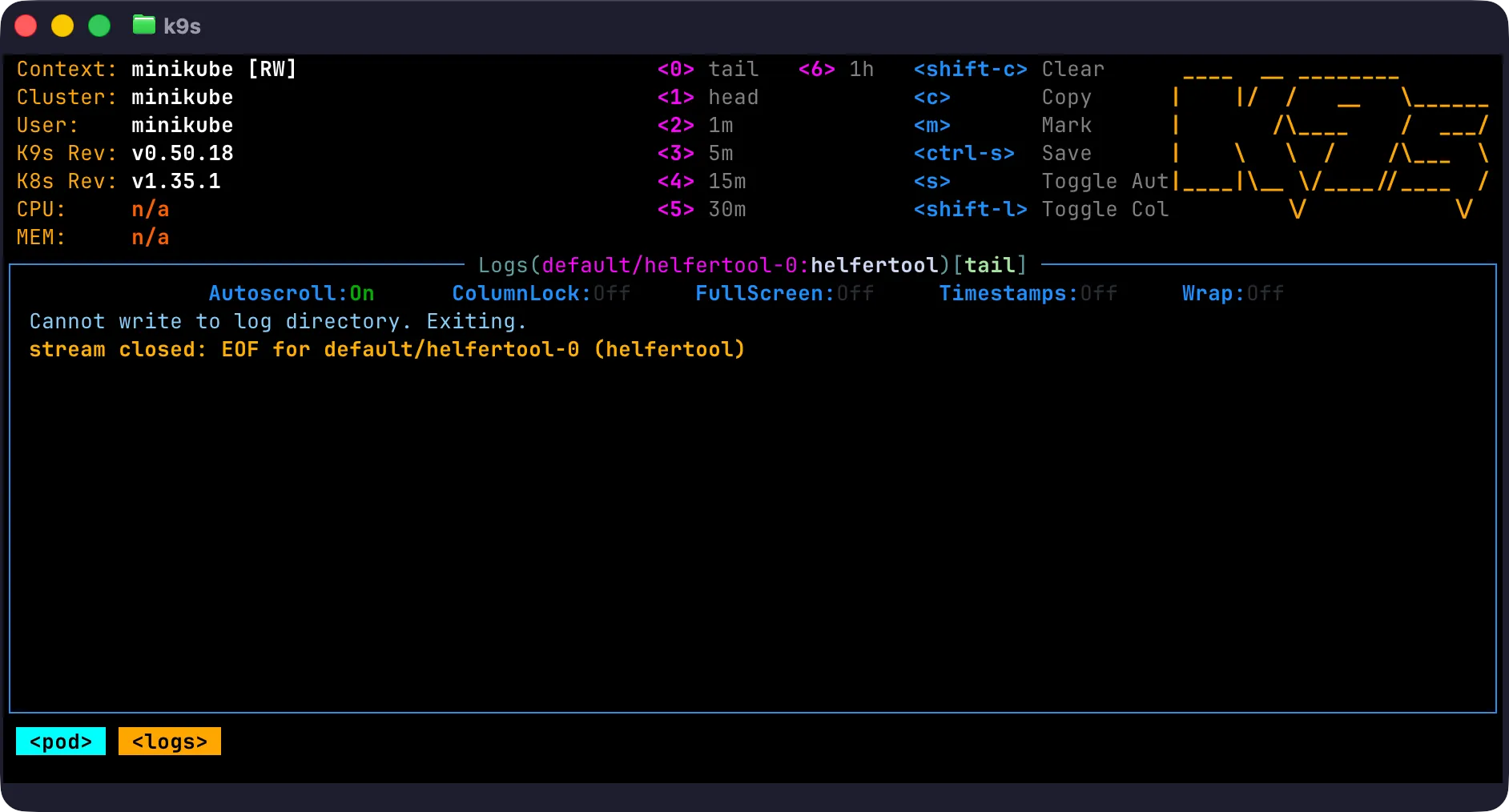
The container expected me to mount a volume on /log so it could write logs, which I did. I wanted to run a quick test from within the container to see if I could create a file in that directory. But when your container has already crashed you can’t get a shell into it.
My better informed colleague Quentin told me about kubectl debug, a command that lets me create a copy of the crashing container but with a different COMMAND.
So instead of running its normal program, I can ask the container to run sh with the following command
$ kubectl debug mypod -it \ --copy-to=mypod-debug \ --container=my-pods-image \ -- shAnd just like that I have shell inside a similar container. Using this trick I could confirm that I can’t touch a file in that /log directory because it belongs to root while my container is running unprivileged.
That’s a great trick to troubleshoot from within a crashing container!




 Comments