Niri can have gorgeous animation
 Last modified April 15, 2026
I was a huge fan of Niri already. It’s a scrolling tiling window manager. Roughly:
- When I open an app it takes the full height and a pre-configured width on the screen.
- When I open more apps and the screen was already full, it pushes the existing apps off screen.
- It can stack windows in columns to have a more compact view
It means that windows always take the optimal amount of space, and they’re very neatly organized. It’s extremely pleasant to use and keyboard friendly.
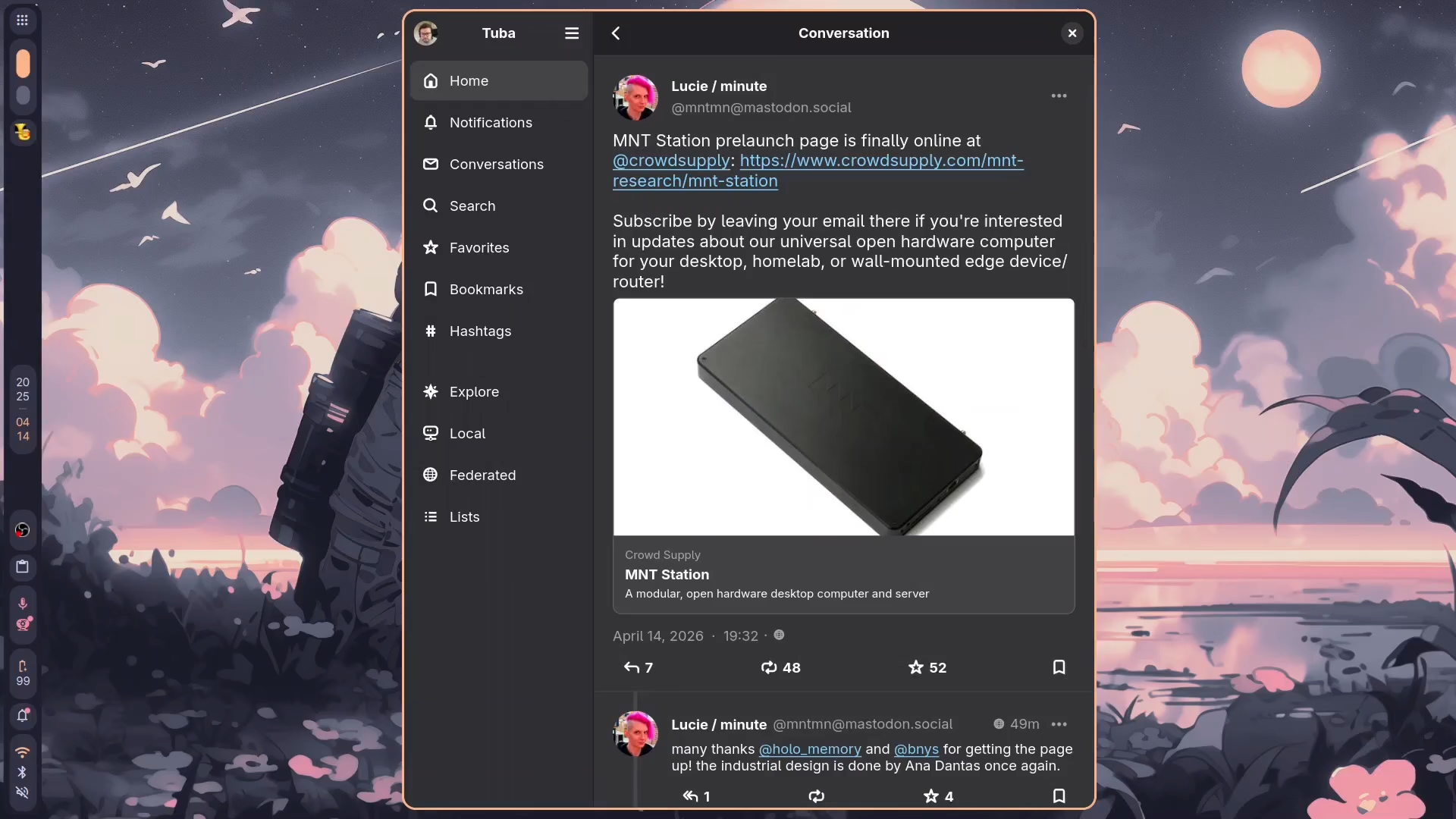
Don’t mind the apparent slowness: this was recorded on a 10 year old laptop, opening OBS is enough to make its CPU go brr. When OBS is not running, Niri is buttery smooth.
But now I’ve learned that Niri supports user-provided GLSL shaders for several animations. Roughly: you can animate how windows appear and disappear (and other events, but let’s keep things simple).
Some people out there have created collections of shaders that work wonderfully for Niri:
My personal favorite is the glitchy one.
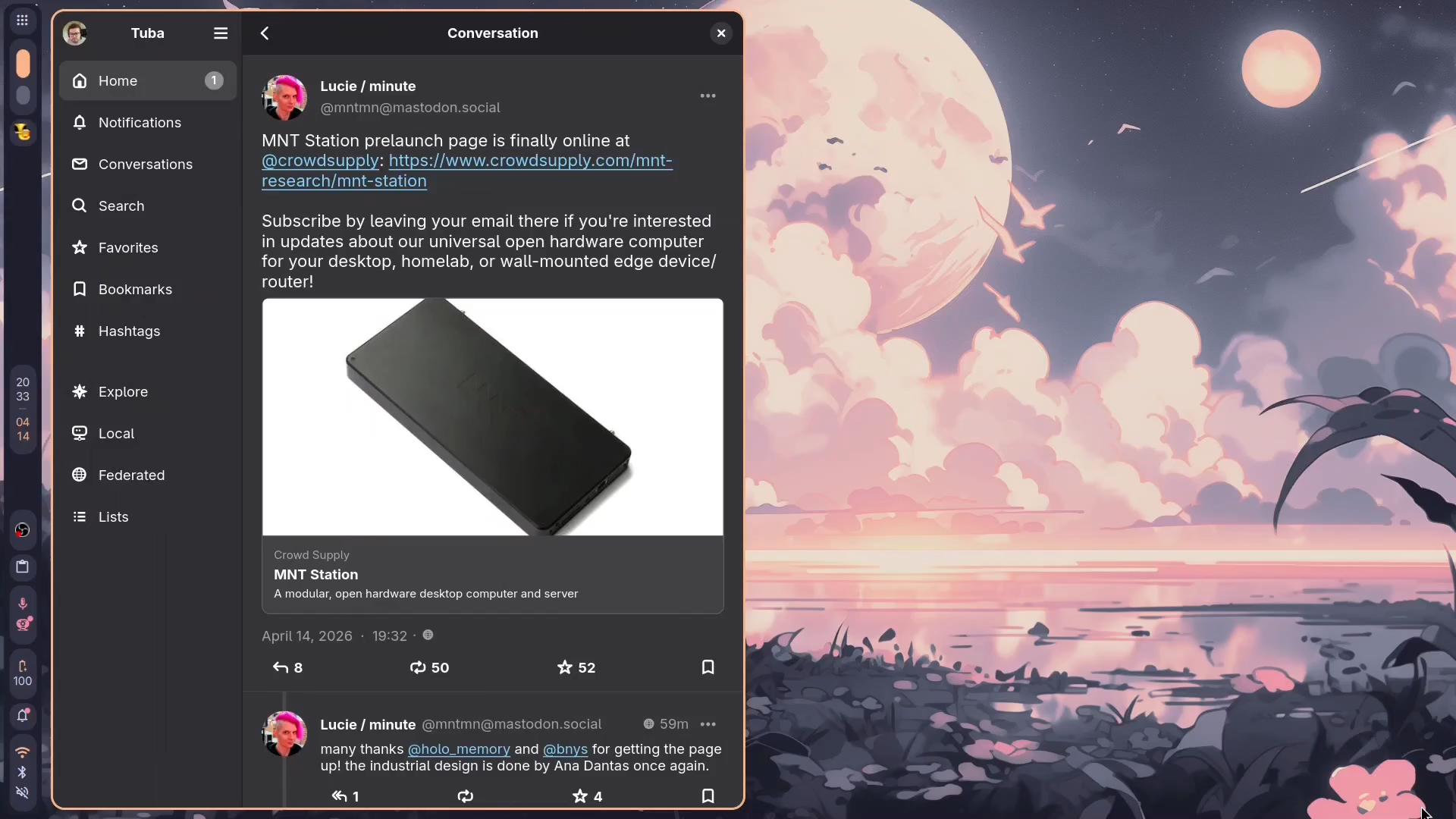
In a world of uniform UIs, these frivolous, unnecessary and creative ways to interact with users are a breath of fresh air! Those animations are healing my inner 14 year old.




 Comments